FAQ
How does Steady Chats read my chats?
Through the ChatGPT or Claude tab you have open, with your own logged-in session, the same way the site's own page loads your chat list. A small script on chatgpt.com and claude.ai makes read-only requests to a short, fixed list of the site's own addresses (your conversation list and single conversations), and refuses any other. So it only ever sees your own conversations, and only while you're signed in. It never sees your password, and it doesn't store or send your session anywhere.
Does it slow down ChatGPT or Claude, or hit their limits?
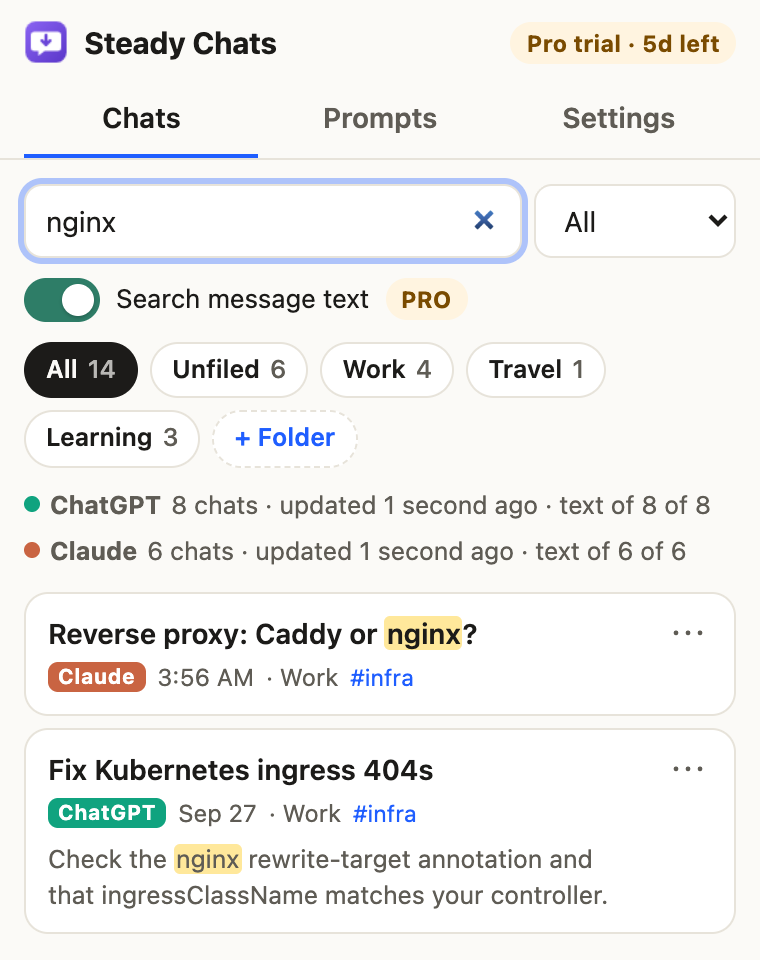
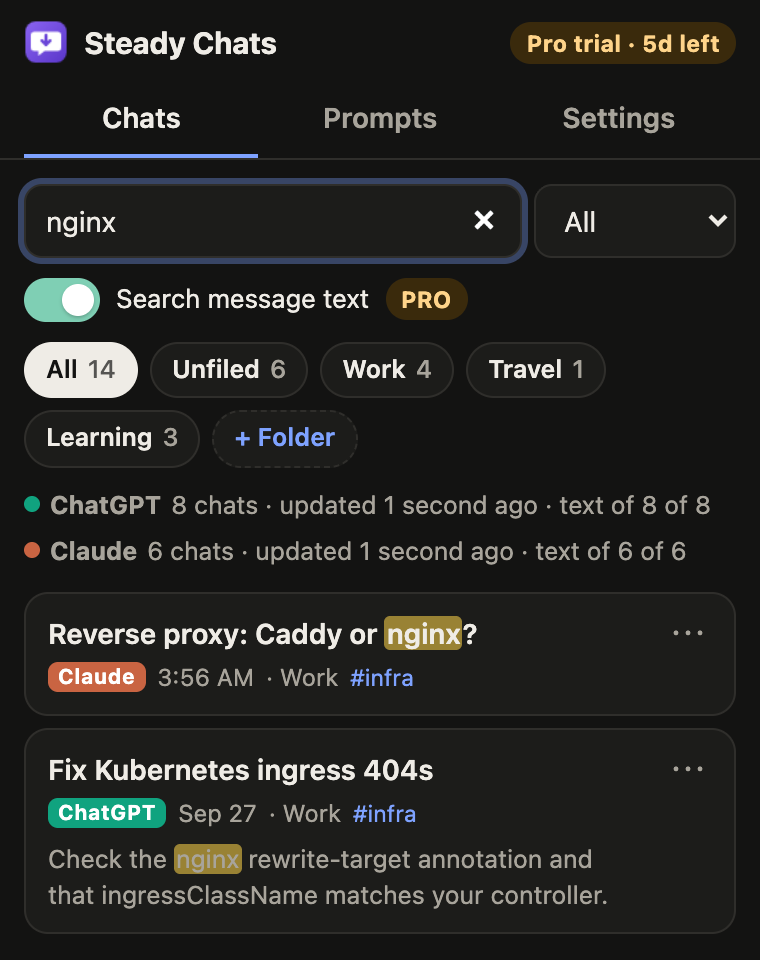
It's deliberately gentle. Your chat list is updated at most every few minutes, a page at a time. With full-text search on, it downloads the text of one chat every 90 seconds on ChatGPT and every minute on Claude, newest first, and only while a tab of that site is open; a chat you open or export is fetched right away. A ZIP export you start fetches the missing chats faster, about one a second per site. If a site asks it to slow down, it waits (as long as the site says) and doubles its pause each time, up to 15 minutes. For a whole history, importing the site's own data export is faster and makes no requests at all.
Is anything sent to your servers?
No chat content, ever. Your chats, their text, folders, tags, prompts and settings stay in your browser. The only request to us is a license check (your license key, an activation ID and a label like “Chrome 140”), and only if you enter a key. There are no analytics. The privacy policy lists every network request the extension makes.
Does it change anything in my ChatGPT or Claude account?
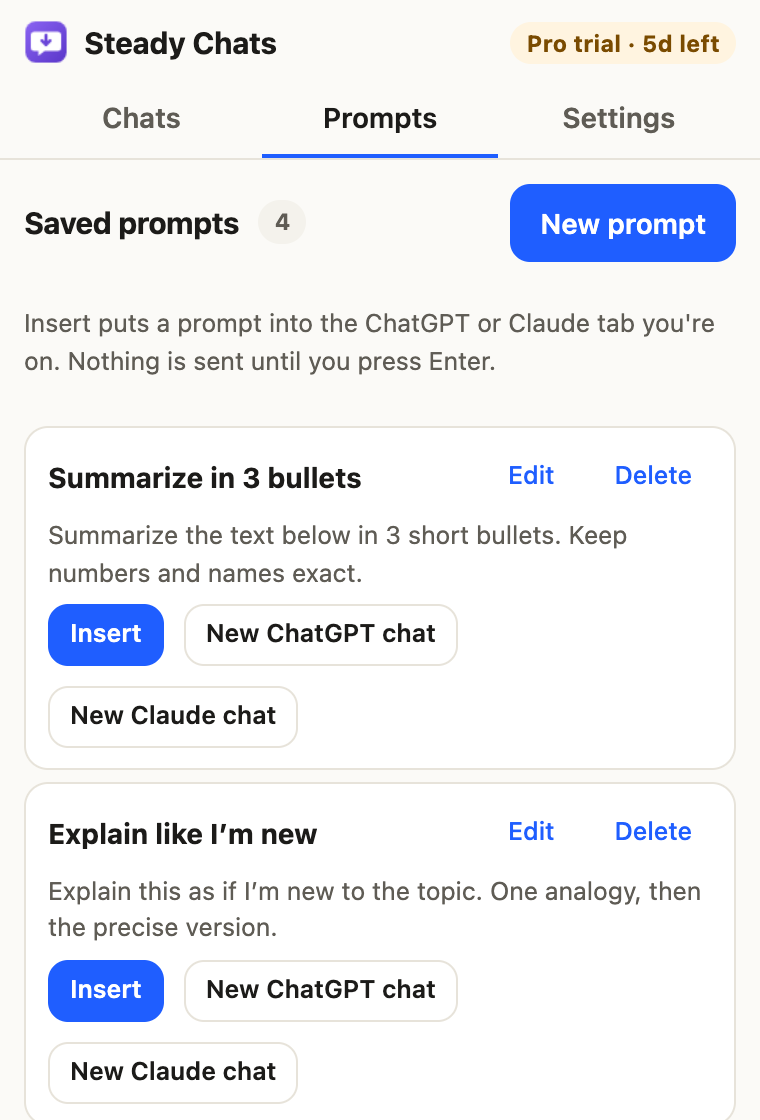
No. It only reads. It never sends messages, deletes, renames or moves anything on the sites. Folders and tags live in Steady Chats, in your browser. When you insert a saved prompt, it's typed into the message box and you decide whether to press Enter.
What's in an export?
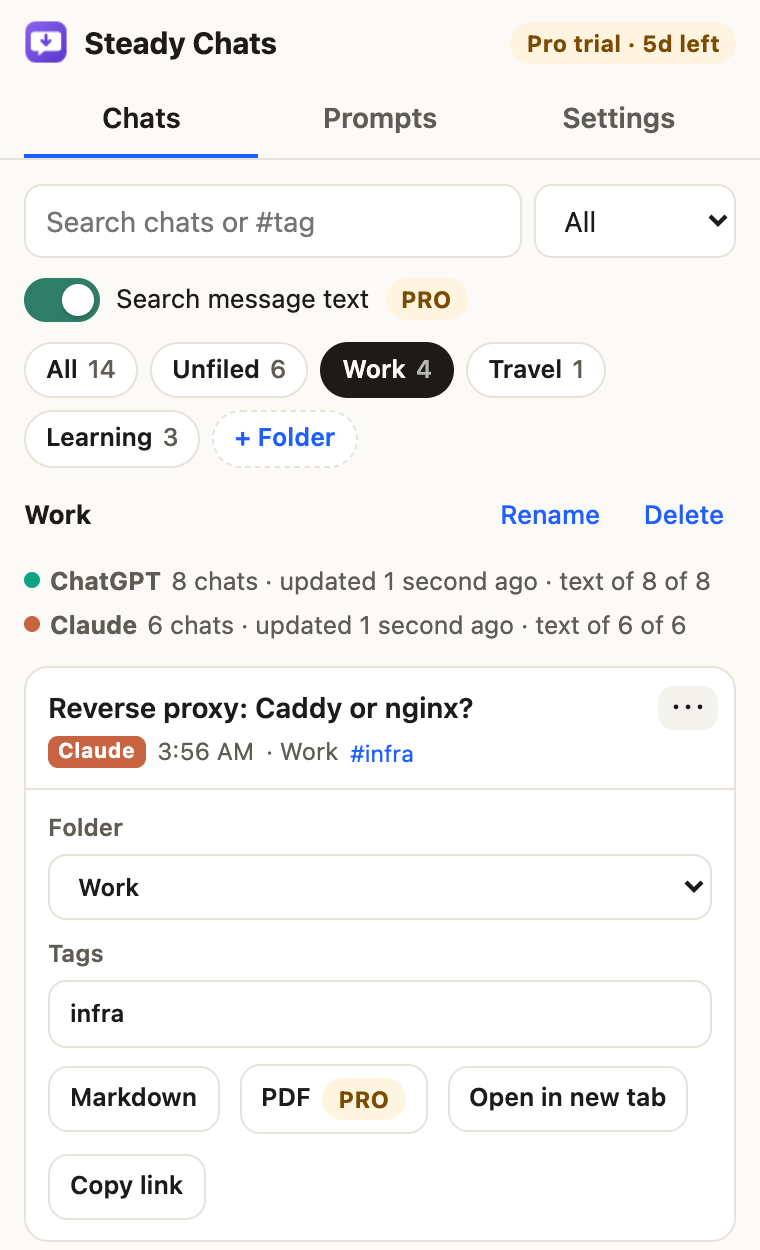
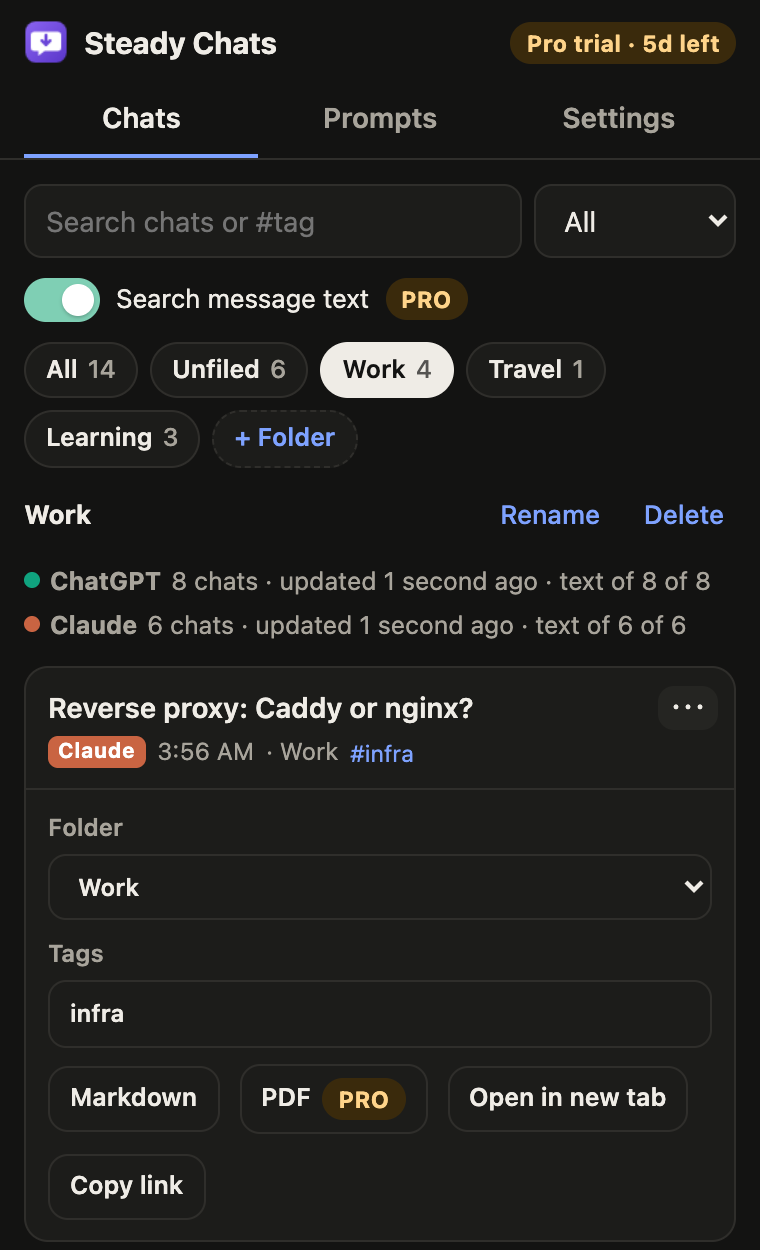
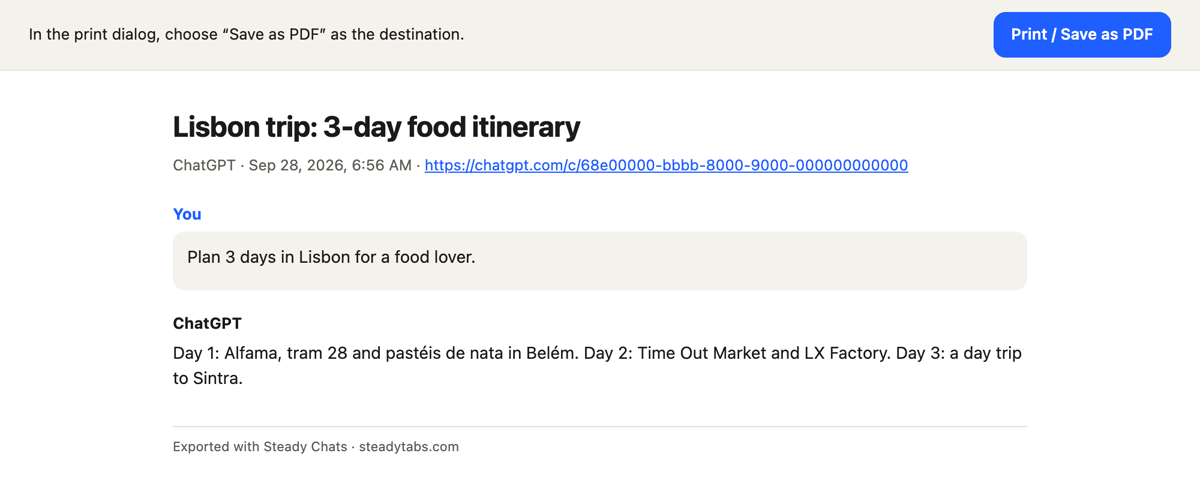
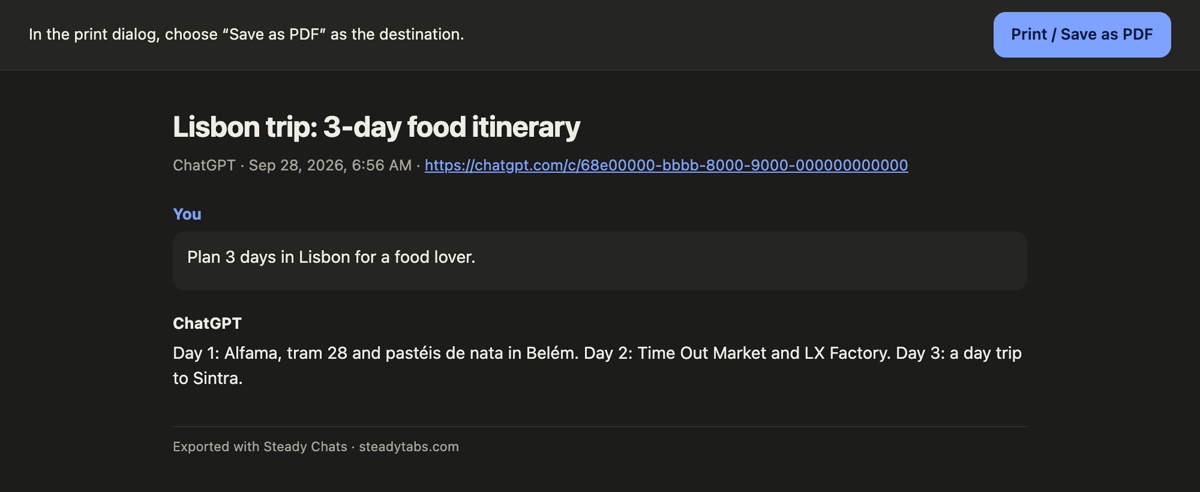
The title, site, dates and a link back to the chat, then the messages of the conversation as you see it (the branch that's currently shown if you edited or regenerated a message). Markdown files also list the folder and tags. Images and uploaded files aren't included (in ChatGPT chats an image shows as an [image] placeholder), and neither are tool output or the model's hidden reasoning. PDF opens a printable page; save it with your browser's “Save as PDF”.
Known limitations
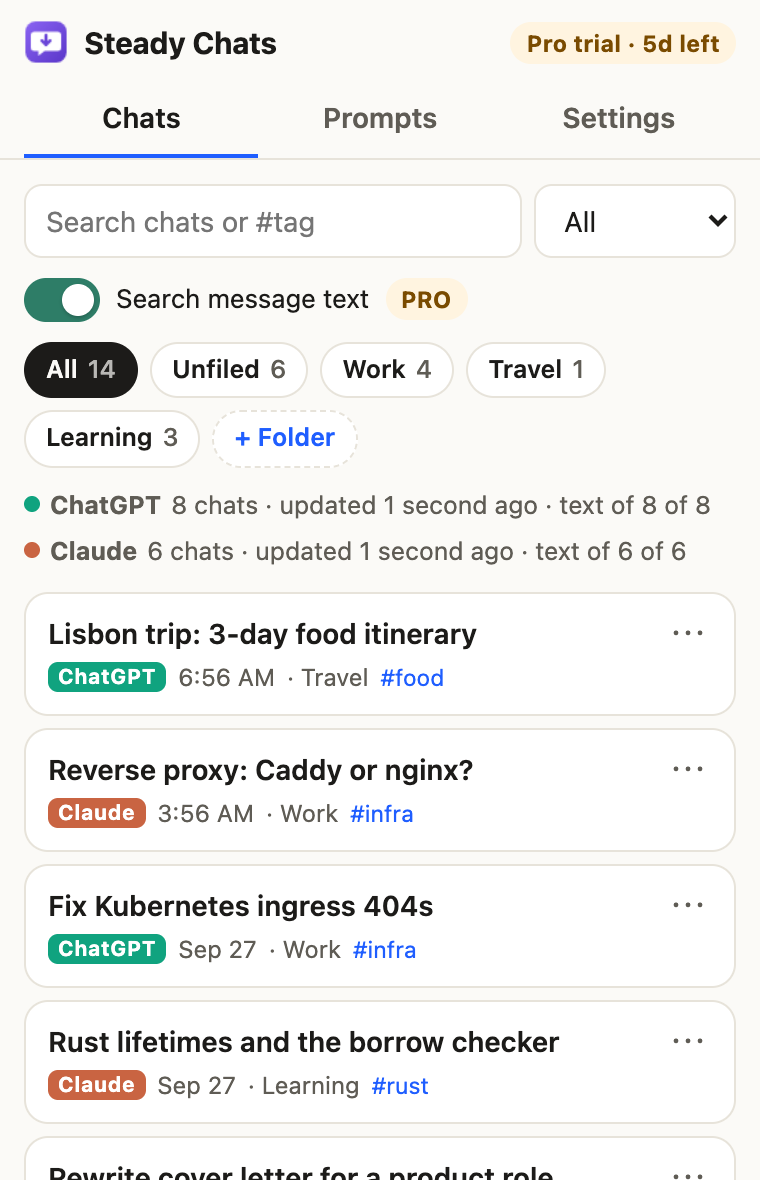
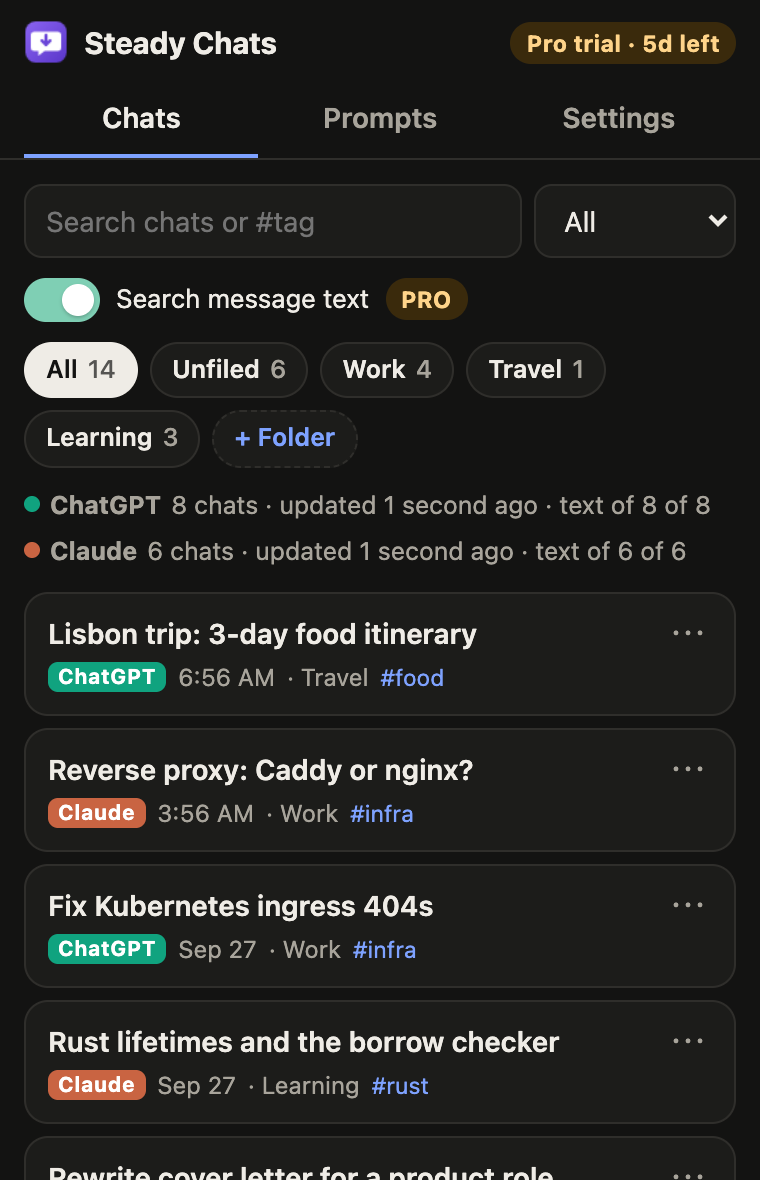
ChatGPT chats inside Projects and archived chats aren't indexed yet, so they may not appear in the list. Full-text search fills in gradually: it downloads chats one at a time in the background while the site is open, so a large history takes a while, and the side panel shows how far back search reaches. Importing the site's official data export fills it at once. Chats you open or export are added right away. Both sites can change how they work at any time; when that breaks something, we fix it in an update.
Is Steady Chats made by OpenAI or Anthropic?
No. Steady Chats is an independent tool and is not affiliated with, endorsed by or sponsored by OpenAI or Anthropic. ChatGPT is a trademark of OpenAI; Claude is a trademark of Anthropic.
Which browsers does it work in?
Chrome and Microsoft Edge on desktop (Chrome 121 or newer). It works with chatgpt.com and claude.ai in the browser, not with the desktop or phone apps.
When does the Pro trial start, and what happens when it ends?
The 7-day trial starts the first time you use a Pro feature, like PDF export or full-text search, so installing and organizing your chats doesn't use it up. When it ends, Pro features pause until you subscribe. Your folders, tags, prompts and downloaded chats are kept, and the free features keep working.
How do I cancel?
Use the link in your receipt email from Creem, our payment provider, or email support@steadytabs.com. You keep Pro until the end of the period you already paid for and you won't be charged again.
Can I get a refund?
Yes. If Steady Chats doesn't work for you, email us within 14 days of your first payment for a full refund. Later renewals can be refunded if you contact us within 7 days of the renewal and haven't used Pro since.
Can I use one subscription on several computers?
Yes, one license works in up to 5 browsers. You can remove it from a browser in Settings to free up a slot. Folders, tags and prompts don't sync between browsers, but you can move them with Back up and Restore in Settings.